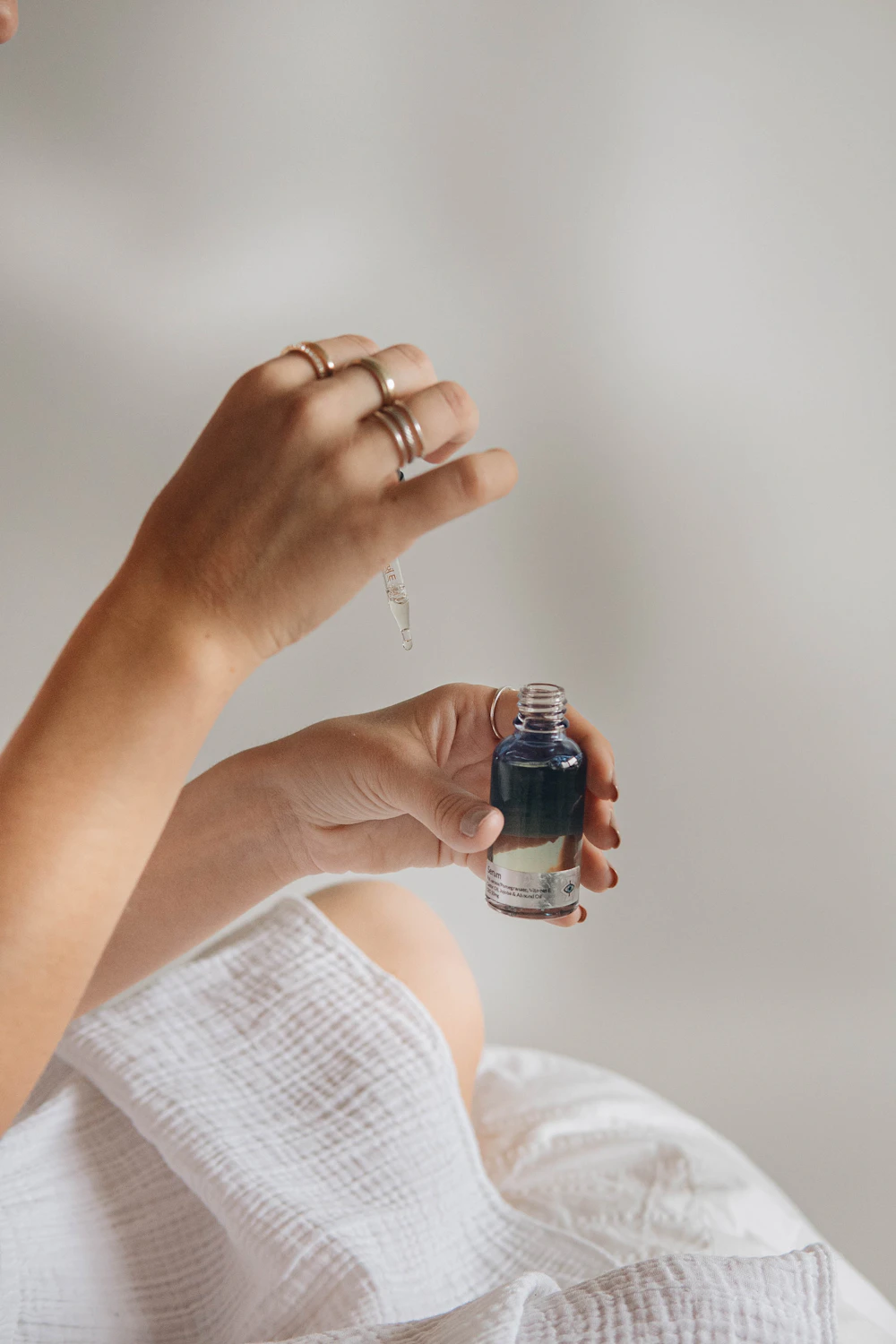
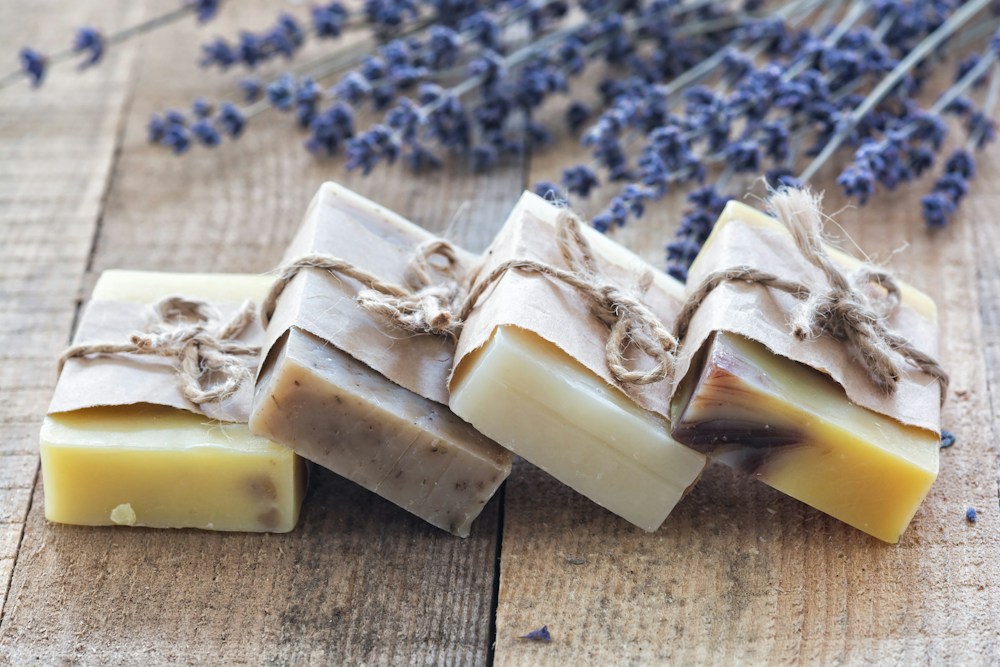
Bring your product
Upload a JPG, PNG or WebP. A clear phone photo is a good starting point.
✳ For candle makers & small home brands
Create styled candle product photos from one real reference image for your shop, launch or social posts. Choose a look without writing a photography prompt.
No prompt writing needed. You stay in control.
Product preview · live availability is checked in the studio.
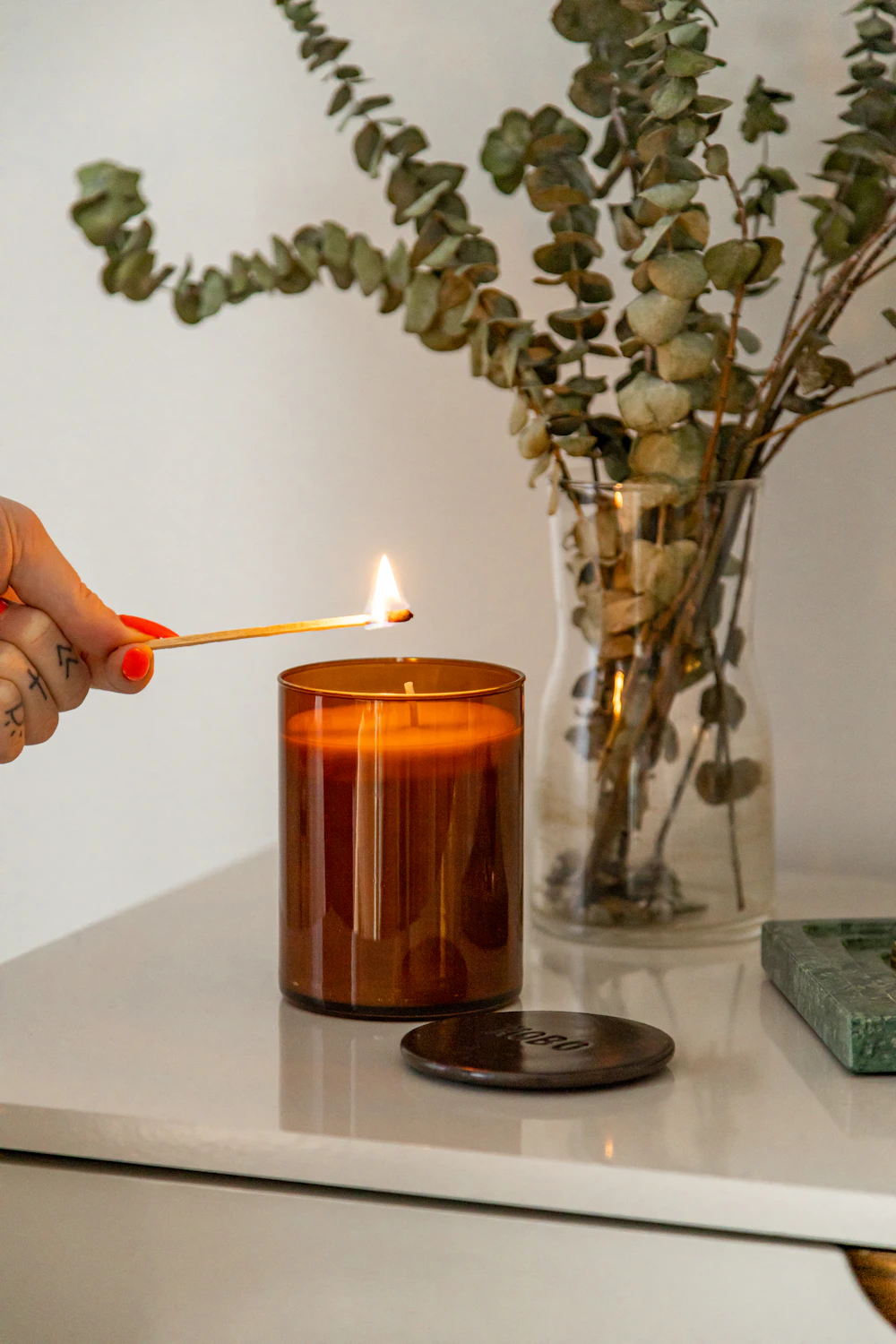
Start with a feeling
Photographic inspiration, not guaranteed outputs.
Your product and selected model shape the result.
Less setup. More creating.
Upload a JPG, PNG or WebP. A clear phone photo is a good starting point.
Select a visual style. Adjust the shape or details only when you need to.
Compare with the original, review the details and save your result.
A better starting point
Photograph the entire candle jar with its label facing the camera. Avoid strong glare on glass. Check the label, jar shape and wax color in every result.
Try a quiet bedside scene for an everyday collection, or a clean studio composition for a launch. Use the same look across scents, then inspect each label before publishing.
Choose your photoAI can change small text, shapes or colors. Compare every result with your original before using it commercially.
We do not promise pixel-perfect preservation, a fixed generation time or automatic marketplace approval.
Photo tips & common questionsBefore you start
No. Each look includes a starting description. You can fine-tune it in Advanced settings, but you do not need to begin with a blank prompt box.
Not always. AI edits can change lettering, packaging, color or proportions. A product-preservation instruction helps guide the model, but is not a guarantee. Inspect the result against your original.
Local vector logo editing and original-photo checks are free. Live AI generation uses paid credits; the studio shows its cost before submission. Pricing lists one-time packs and monthly plans before you decide to buy.
Before generation, your selected photo stays in this browser tab. When you generate, it is uploaded to the service and sent to the selected image provider. Read the beta privacy information before uploading sensitive or unreleased material.
AI product photography from a real reference
Upload a clear photo, choose a visual direction and add the details that matter to you. You do not need to research image models or write a photography prompt before starting. NicheStudio keeps those controls available under More options for people who want them.
Shop images, launch concepts, social posts and campaign compositions where you already have a real product photo.
AI can alter labels, package shape, colour, reflections or product count. Compare every result with the original before using it commercially.
The studio shows the exact image-credit cost before submission. A new generated version is a new paid generation; failed generations release their reservation.
Read the product-photo preparation guide before your first image, then browse Etsy listing preparation, candle photography ideas or skincare background ideas for a more specific direction.
For more specific preparation tips, see candle product photos, skincare product photos or handmade soap product photos. For everything else, start with the general product-photo studio.